
Sequence 01
2026-09-08
Marking Before Cutting
How to read dashed travel paths and simulated operation order inside the job preview.
Read articleA simulation confirms travel order and motion logic — not material behavior, clamping, or machine state. Understand where the preview ends and physical verification begins.
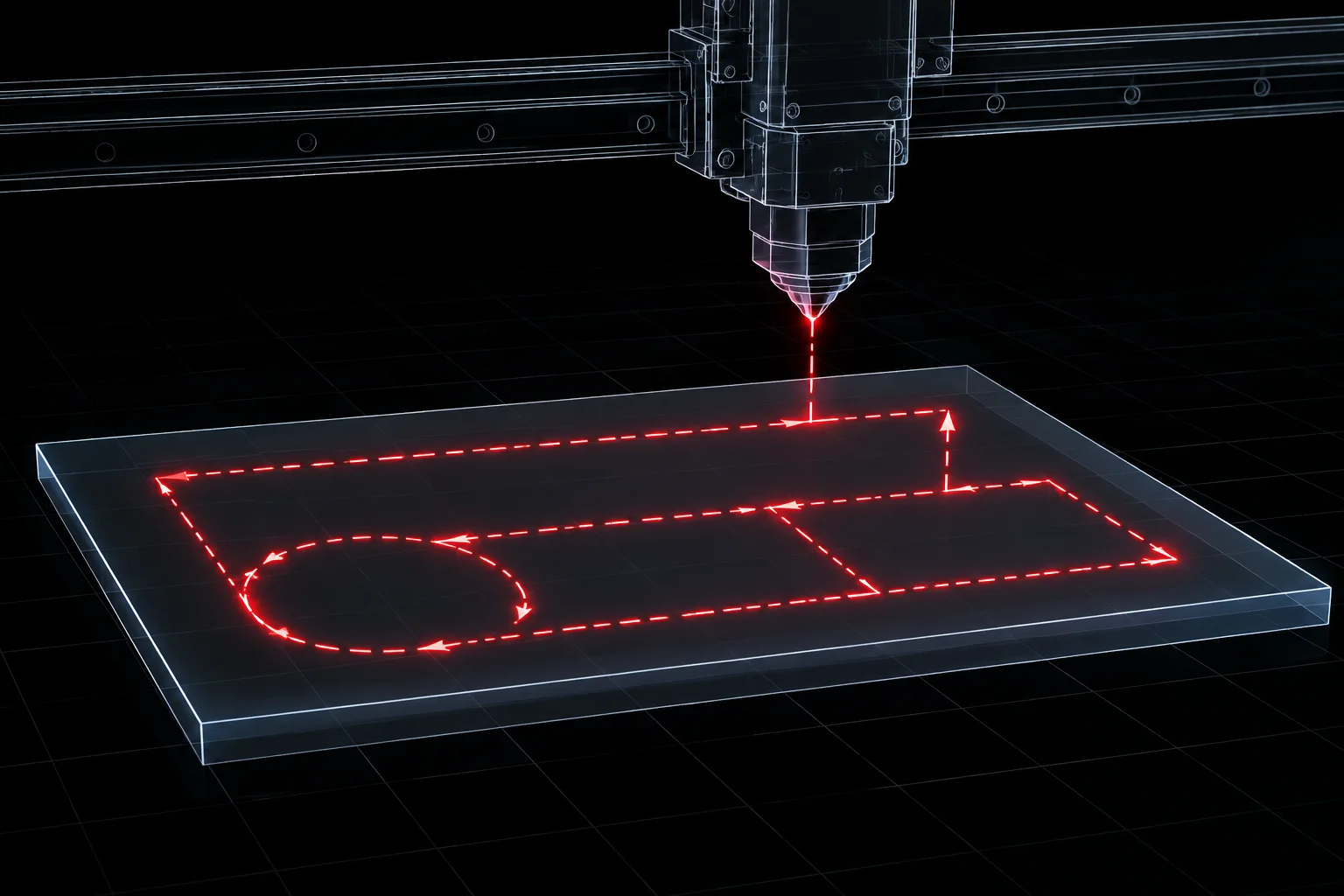
The Preview window simulates which shapes fire, in what order, and how the head travels between them. It does not model warped stock, hold-down hardware, air delivery, or material density. Treating a clean simulation as proof of a clean run is the gap this article closes.
A preview renders the planned sequence faithfully: layer order, inner-versus-outer priorities, and non-firing travel moves. Approving a job on that evidence alone assumes the drawing is the whole story.
The simulator has no model of the sheet on the bed, the clamps holding it, the condition of the optics, or the assist gas that will actually flow. Reviewing the preview answers “will the machine visit these shapes in this order?” — it cannot answer “will the part come out finished?”
A green preview is the start of verification, not the end. Build these habits around every simulated run.
Connect directly with our technical shop coordinators to audit preview routines, standardize verification steps, and review operation sequencing.
How to read dashed travel paths and simulated operation order inside the job preview.
Read articleThe physical pre-run checklist that starts where the simulation ends.
Read articleSecuring mechanical stability by piercing internal contours while stock remains anchored.
Read articleSystematic inspection of nested components, travel movements, and geometry spacing before job dispatch.
Read article