
Sequence 01
2026-09-08
Marking Before Cutting
Why surface labeling and score passes must strictly precede structural perimeter severance.
Read articleCombining multiple vectors into a software group binds disparate geometry into an atomic processing block. Understanding this hierarchy prevents accidental cutouts before internal engravings occur.
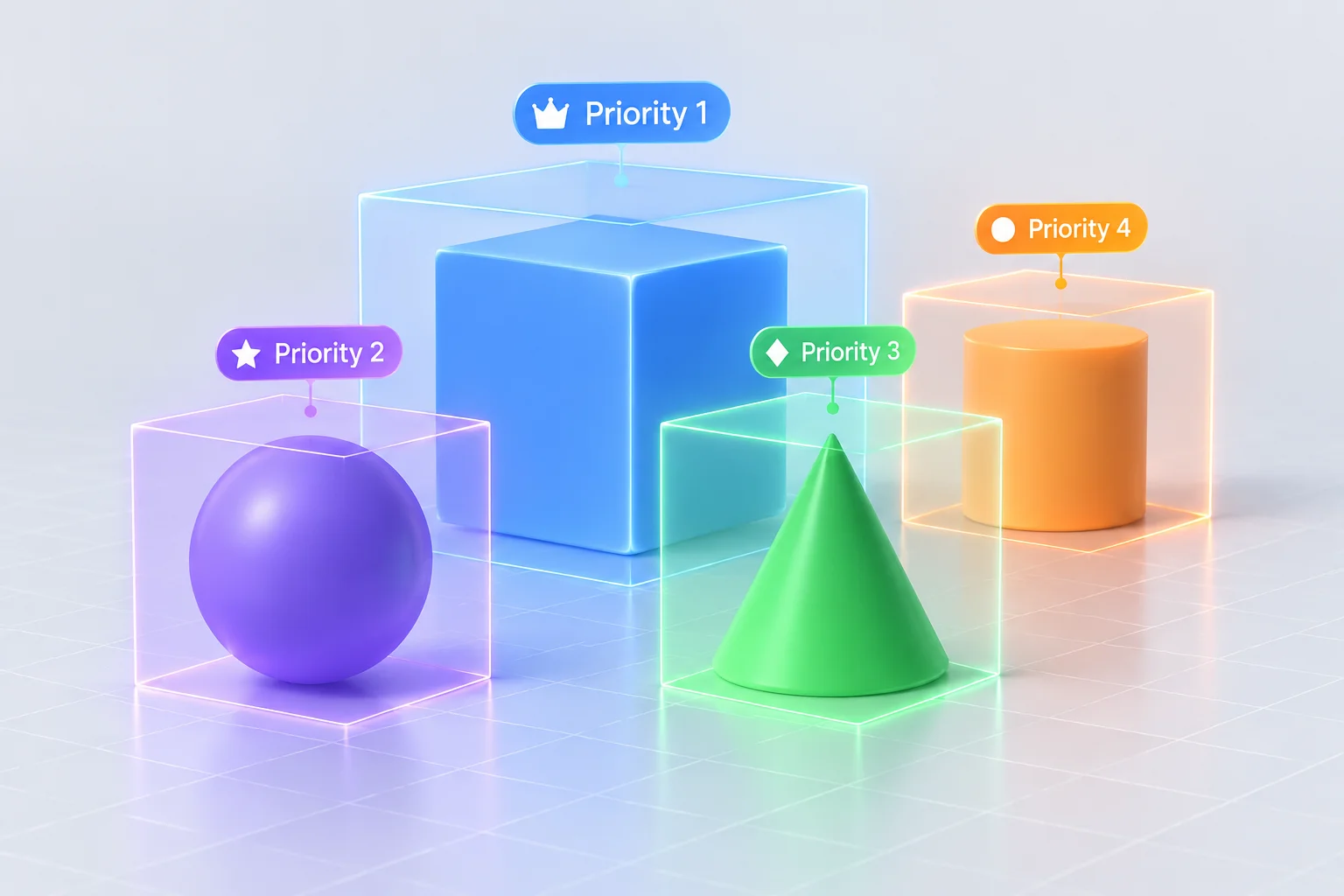
In laser CAM environments, grouping geometry establishes a localized sub-routine. When optimization rules prioritize complete groups over layer order, the machine finishes every path inside the bounding cluster before advancing across the bed, fundamentally rearranging expected laser travel sequences.
Laser control software manages geometry execution through a defined sequence of rules. While operators assume the layer stack determines the cut timeline, enabling grouped processing instructs the motion generator to treat clustered paths as an isolated batch. The controller finishes all actions for one group before moving to the next cluster.
When an operator combines text engraving, inner hole contours, and an outer perimeter cut into a single group, that entire assembly is resolved in isolation. If nested priority or cut-inner-first toggles are misconfigured, the outer border can be severed while the rest of the sheet remains untouched, leading to dropped workpieces, burned edges, or focus loss.
Grouping serves as an indispensable tool for nesting parts, but operators must remember that grouping creates an execution capsule. Treat grouped geometry as self-contained jobs within the broader material sheet.
Submit your vector layout questions or machine sequencing logs to our technical desk for step-by-step optimization feedback.
Why surface labeling and score passes must strictly precede structural perimeter severance.
Read articleTechnical visualization of non-cutting rapid paths to spot unnecessary traversals before burning.
Read articleSecuring mechanical stability by piercing internal contours while stock remains anchored.
Read articleA concise 5-point physical verification protocol before enabling laser discharge.
Read article